
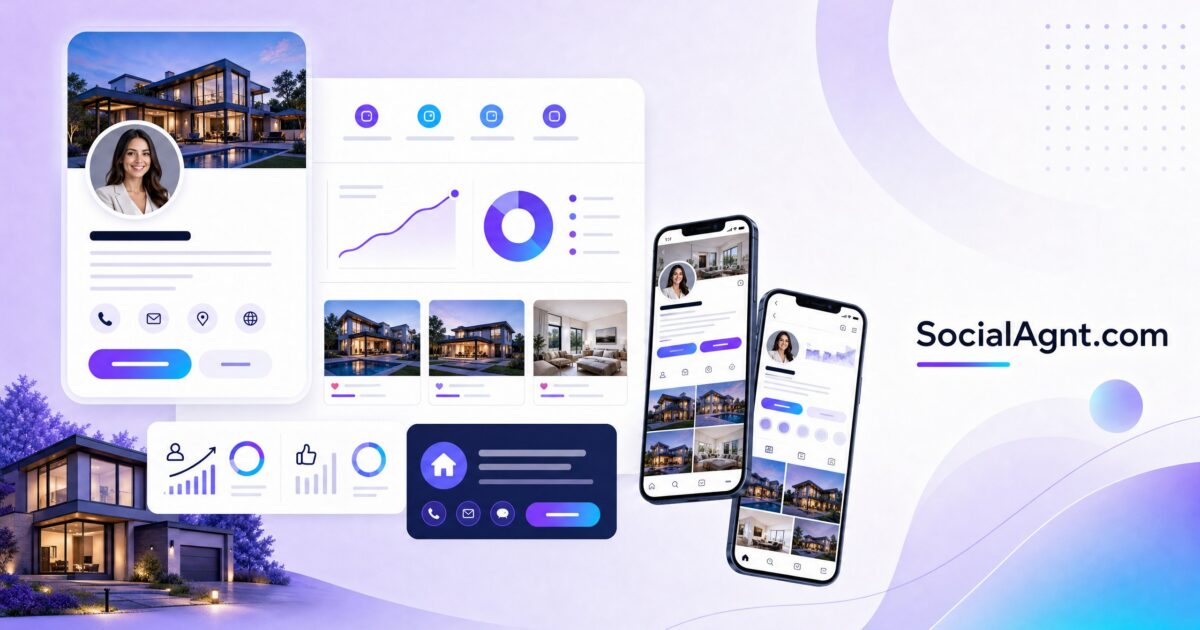
Key Takeaways: Your social media profile is your digital storefront — and most real estate agents leave the lights off and the door locked. A fully optimized profile goes far beyond writing a good bio. It includes your profile photo, cover image, contact information, highlights and featured content, link strategy, verification, and the visual consistency that makes you look professional and trustworthy at first glance. This guide walks you through the complete profile setup process for every major platform — Instagram, Facebook, YouTube, TikTok, LinkedIn, and Google Business Profile — covering every element that influences whether a visitor follows you, contacts you, or moves on to the next agent.
Why Profile Optimization Comes Before Content Creation
Many agents jump straight into posting content without optimizing their profiles first. This is like running ads that send traffic to an unfinished website. Every piece of content you create drives profile visits — people who see your Reel, your post, or your video will click through to your profile before deciding whether to follow, engage, or reach out. If your profile is incomplete, inconsistent, or unprofessional, you’re losing potential followers and leads at the very first touchpoint.
Profile optimization is a one-time investment that pays dividends on every future piece of content. Spend a few hours getting your profiles right before you publish your first post, and every post that follows will convert profile visitors at a higher rate. Think of it as laying the foundation before building the house.
Profile Photo: Your Most Visible Asset
What Works
Your profile photo appears everywhere — next to every post, comment, DM, and search result. It’s the most frequently seen element of your social media presence. For real estate agents, the profile photo should be a professional headshot: your face clearly visible, good lighting, clean background, and a warm, approachable expression. The photo should be recent (taken within the last two years) and should look like you actually look — not an overly retouched glamour shot that doesn’t match the person clients will meet.
Use the same profile photo across all platforms. Consistency makes you instantly recognizable when someone encounters you on a different platform. If your Instagram profile photo is a headshot on a white background and your LinkedIn photo is you in sunglasses at the beach, you’ve created a disconnect that makes it harder for people to connect the dots across platforms.
Technical Specifications
Each platform has different display sizes for profile photos, but all of them crop to a circle. Upload a high-resolution square image (at least 400 x 400 pixels, ideally 800 x 800 or larger) with your face centered and enough margin around your head that nothing important gets cropped by the circular frame. Avoid group photos, full-body shots where your face is too small, logos (unless you’re setting up a team/company page), or images with text that becomes unreadable at small sizes.
Cover Photos and Banners
Facebook, LinkedIn, YouTube, and Google Business Profile all feature a prominent cover image or banner that takes up significant screen space on your profile page. This is prime visual real estate that most agents either ignore entirely (leaving the default blank) or waste with a generic stock photo.
What to Include in Your Cover Image
Your cover image should reinforce your brand and communicate your value proposition at a glance. Effective cover images for real estate agents include your market area or a recognizable local landmark (reinforcing your geographic expertise), a professional brand image with your name, title, and contact information overlaid, a high-quality photo of a signature listing or beautiful local property, or a team photo with your brokerage branding (for team pages). Include a text overlay with your most important information: your name, your market area, and either your phone number or website. Keep text minimal and large enough to read on mobile screens — most people will view your cover image on a phone.
Platform-Specific Dimensions
Facebook cover photo: 851 x 315 pixels (desktop) — design with the mobile crop in mind, as the sides get trimmed on phones. LinkedIn background image: 1584 x 396 pixels. YouTube channel banner: 2560 x 1440 pixels (the safe area for mobile is the center 1546 x 423 pixels). Design your banner to look good in the safe area, with any extended branding or imagery in the outer area for desktop viewers.
Instagram Profile Setup
Account Type
Switch to a Professional account (Business or Creator) if you haven’t already. Professional accounts unlock analytics (insights on follower demographics, post performance, and reach), contact buttons (email, phone, directions), the ability to run ads, and access to scheduling through third-party tools. There’s no cost to switch, and the benefits are essential for any agent using Instagram for business.
Profile Category
Choose “Real Estate Agent” as your profile category. This appears below your name on your profile and signals to visitors (and Instagram’s algorithm) what you do. It’s a small detail that contributes to your searchability and professional credibility.
Story Highlights
Instagram Story Highlights are the circular icons that appear below your bio and above your feed. They’re permanent collections of your best Stories content, organized by topic. For real estate agents, create Highlights for: Listings (current and recent listings with photos and details), Testimonials (client reviews and success stories), About Me (a personal introduction and behind-the-scenes content), Area Guide (neighborhood spotlights and local recommendations), and Tips (saved educational content for buyers and sellers). Each Highlight should have a branded cover icon that matches your visual style. These cover icons create a cohesive, professional look that immediately signals you’ve invested in your brand.
Link Strategy
Instagram allows one clickable link in your bio. Use a link-in-bio tool (like Linktree, Stan Store, or a custom landing page) to create a single link that leads to multiple destinations: your website home search, a lead capture page (free home value report, buyer guide), your Google reviews, your other social profiles, and any current promotions or featured content. Update your link-in-bio regularly to feature your most relevant current content or offer.
Facebook Page Setup
Page Type and Categories
Create a Facebook Business Page (not a personal profile) for your real estate business. Select “Real Estate Agent” as your primary category. Add secondary categories if applicable: “Real Estate Company,” “Property Management Company,” or “Real Estate Investment Firm.” Complete every section of your Page Info: address, phone number, email, website, service area, hours of operation, and price range.
Call-to-Action Button
Facebook lets you add a prominent call-to-action button at the top of your page. Choose the action most aligned with your goals: “Send Message” (for agents who prefer to start conversations via Messenger), “Contact Us” (links to your contact form or website), “Book Now” (if you use an online scheduling tool for consultations), or “Learn More” (links to your website or a landing page). This button appears prominently on both desktop and mobile, making it one of the easiest conversion tools on your page.
Page Tabs and Templates
Customize your Facebook page tabs to show the sections most relevant to your audience. Remove tabs you don’t use (like “Shop” or “Games”) and add tabs that showcase your work: Reviews, Photos, Videos, and Events are the most useful for real estate agents. Reorder tabs so the most important ones appear first.
Pinned Post
Pin your best-performing or most important post to the top of your page. This is the first piece of content visitors see below your cover photo. Good options for a pinned post include a video introduction of yourself and your services, a recent testimonial or success story, your most popular educational post, or a current market update that showcases your expertise. Update your pinned post monthly to keep it fresh and relevant.
Once your profiles are optimized, the next step is consistent content. SocialAgnt helps real estate agents schedule and publish across Instagram, Facebook, TikTok, LinkedIn, YouTube, and Google Business Profile — with AI-powered captions and real estate templates. Start your free account today.
TikTok Profile Setup
Account Type
Switch to a Business account to access analytics, the ability to add a website link in your bio (also available once you reach 1,000 followers on a personal account), and commercial audio access. TikTok Business accounts don’t have access to some trending sounds that personal accounts do, so some agents prefer Creator accounts for the audio flexibility — just know that the link-in-bio feature requires either a Business account or 1,000 followers on a personal/Creator account.
Username and Display Name
Your TikTok username should be simple, searchable, and ideally include your name: @janesmithrealtor, @janesmithrealty, or @janesmith_[city]. Avoid underscores and numbers when possible, as they make your handle harder to remember and search. Your display name should include your name and a searchable keyword: “Jane Smith | Austin Realtor” helps your profile appear when people search for Austin real estate content on TikTok.
Profile Aesthetics
TikTok is the most casual of all platforms, but your profile should still look intentional. Use a clear, well-lit headshot as your profile photo (the same one you use across other platforms). Your bio should match TikTok’s conversational tone while clearly communicating what you do and where. And your first few videos visible on your profile grid should represent your best content — first impressions on TikTok are formed by scanning your recent videos, so make sure your grid showcases your range and quality.
LinkedIn Profile Setup
Profile Completeness
LinkedIn rewards complete profiles with higher search rankings and more profile views. Complete every section: headline (220 characters — use keywords), About section (your professional narrative), Experience (current and past positions with descriptions), Education, Licenses and Certifications, Skills (add real estate-specific skills and get endorsements), and Recommendations (request them from past clients and colleagues). An “All-Star” profile on LinkedIn receives significantly more search visibility than an incomplete one.
Featured Section
LinkedIn’s Featured section lets you pin posts, articles, links, and media to the top of your profile. Use this space to showcase your best content: a recent market analysis post, a link to your home search website, a YouTube video of a neighborhood tour, a PDF market report, or a media feature or award. The Featured section is the first content a profile visitor sees after your About section — curate it intentionally.
Services Section
LinkedIn offers a Services section where you can list the specific services you provide: buyer representation, seller representation, market analysis, investment consulting, relocation services, and so on. Completing this section helps LinkedIn match you with potential clients who are searching for these services in your area.
Contact Information
Make it easy for people to reach you outside LinkedIn. Add your email, phone number, website, and other social profiles to your Contact Info section. You’d be surprised how many agents make it difficult to find their contact information — don’t be one of them.
YouTube Channel Setup
Channel Name and Handle
Your YouTube channel name should be your name or brand name combined with a keyword: “[Name] Real Estate,” “[Name] | [City] Realtor,” or “[Team Name] Real Estate.” Your handle (@yourhandle) should be simple and consistent with your other social media handles.
Channel Trailer
Create a channel trailer — a short video (60 to 90 seconds) that auto-plays for visitors who aren’t subscribed to your channel. This video should introduce you, explain what your channel covers, highlight why viewers should subscribe, and include a clear call to action to subscribe. Think of it as your elevator pitch in video form. First-time visitors who watch a compelling channel trailer subscribe at significantly higher rates.
Channel Sections
Organize your YouTube homepage with channel sections that help visitors find what they’re looking for. Create sections like: Recent Uploads, Neighborhood Tours, Market Updates, Buyer Tips, Seller Tips, and Popular Videos. Well-organized channel sections improve the viewer experience and increase the chance that a visitor watches multiple videos — which signals to YouTube that your content is engaging.
Playlists
Create playlists that group related content together. Playlists keep viewers watching longer (the next video auto-plays from the playlist) and they appear in YouTube search results as standalone entries. A playlist titled “[City] Neighborhood Guides” that contains twelve neighborhood tour videos is a powerful search asset that surfaces for multiple neighborhood-related queries.
Google Business Profile Setup
Claiming and Verifying
If you haven’t already, claim your Google Business Profile at business.google.com. Google will verify your identity through a postcard, phone call, or email verification. Once verified, you control how your business appears in Google Search and Google Maps results.
Business Information
Complete every field: business name (your name or team name as it appears professionally), primary category (Real Estate Agent), secondary categories, address (if you meet clients at an office) or service areas (the cities and neighborhoods you serve), phone number, website, hours of operation, and business description. Every completed field helps Google understand your business and match you with relevant local searches.
Photos and Visual Content
Add high-quality photos to your Google Business Profile: a professional headshot as your profile photo, a branded cover photo, exterior and interior photos of your office (if applicable), photos of you with clients (with permission) and at closings, photos of neighborhoods and areas you serve, and photos of your listings. Google Business Profiles with 100+ photos receive 520% more calls and 2,717% more direction requests than profiles with fewer photos. Quantity and quality both matter — add new photos regularly.
Review Strategy
Reviews are the cornerstone of your Google Business Profile. Build a systematic process for generating reviews: ask every client at closing to leave a Google review, send a follow-up email with a direct link to your review page (make it as easy as possible), respond to every review within 48 hours — positive reviews get a genuine thank-you, negative reviews get a professional, solutions-oriented response. A profile with 50+ reviews and a 4.8+ rating dominates local search results and builds instant trust with prospects who find you on Google.
Visual Consistency Across Platforms
Your profiles across all platforms should feel like they belong to the same brand. This means using the same profile photo everywhere, using consistent colors and fonts in cover images and graphics, maintaining a consistent tone in your bio and descriptions (adjusted for each platform’s culture, but recognizably the same person), and using the same name and handle format as much as possible across platforms. When a prospect finds you on Instagram and then checks your LinkedIn, the transition should feel seamless. Visual consistency builds trust and reinforces the professional image that turns curious visitors into clients.
Profile optimization is one of the highest-leverage activities in social media marketing. Set up your profiles right, and every piece of content you create — whether scheduled through SocialAgnt or posted manually — works harder because it’s driving traffic to a profile that converts. Take the time to get this foundation right, then focus your ongoing effort on creating great content and building genuine relationships with your audience.
The hardest part of social media isn’t setup — it’s showing up consistently after. SocialAgnt’s AI-powered captions, real estate templates, and multi-platform scheduling help you post consistently across Instagram, Facebook, TikTok, LinkedIn, YouTube, and Google Business Profile without the daily grind. Start free today.
Ready to save 5+ hours per week on social media?
SocialAgnt helps real estate agents schedule posts, create AI content, and grow their brand across 7 platforms. Try it free for 14 days.
